Remove background online in 1click
No image? Try one of these:




No image? Try one of these:
There are only 3 simple steps to remove Background from Image like a professional Editor.

Click the Upload Image button, drag or copy then paste your image to remove background from it

FocoClipping will remove BG automatically once the image is uploaded.

Finally click the “Download” icon to freely download the transparent or white background image without any hassles.
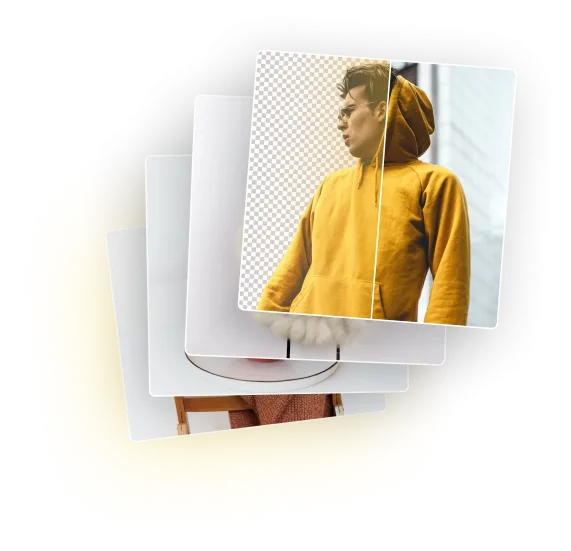
Instantly obtain transparent backgrounds to instantly remove backgrounds from any images. Permit you to change the backdrop and adjust the spectacular banners, product images, and profile to your own specifications.

Our online background remover quickly spots the subject in any photograph and produces a clean cutout for you.

Our online background remover quickly spots the subject in any photograph and produces a clean cutout for you.
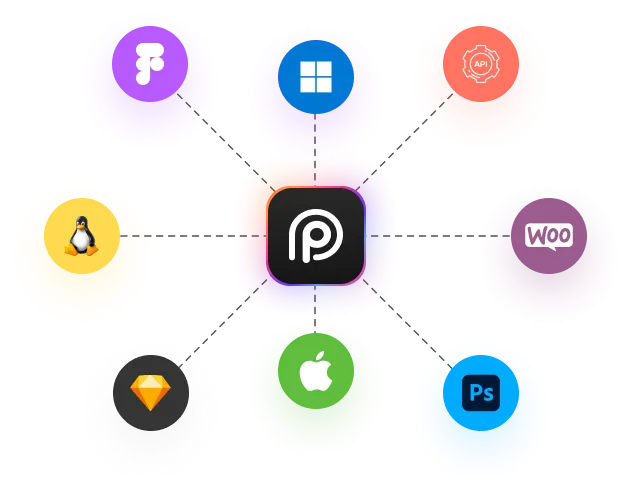
To enhance your productivity and workflow, we've also integrated plugins straight into the top design tools, software, applications, and eCommerce platforms.