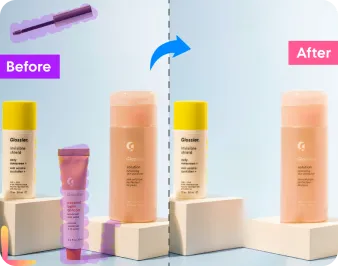
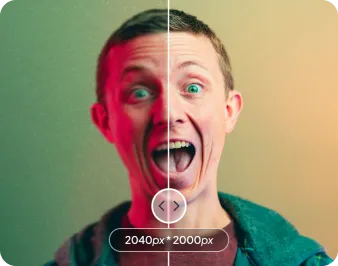
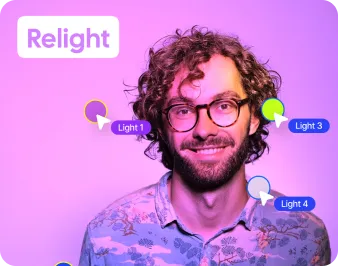
Remove object from your Pictures in Seconds
No image? Try one of these:




No image? Try one of these:
There are only 3 simple steps to remove Background from Image like a professional Editor.
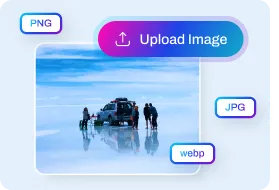
You can be used to begin editing images by dragging and dropping them into the "Upload Photo" Frame.
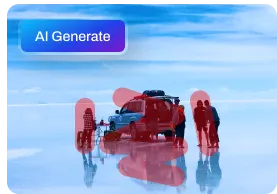
Choose Eraser to blur, enhance, remove acne, and restore old photos, or choose Objects automatically detected by AI to remove objects from photos.
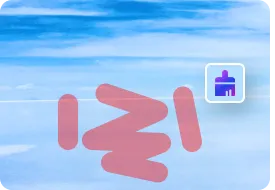
AI can quickly edit photographs using zoom in, zoom out, undo or redo, alter, preview, and apply.
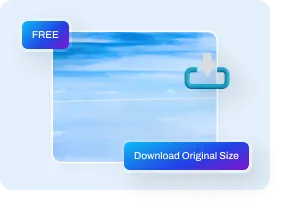
Download the lovely image you've edited after finishing your editing software, or post it directly to social media.
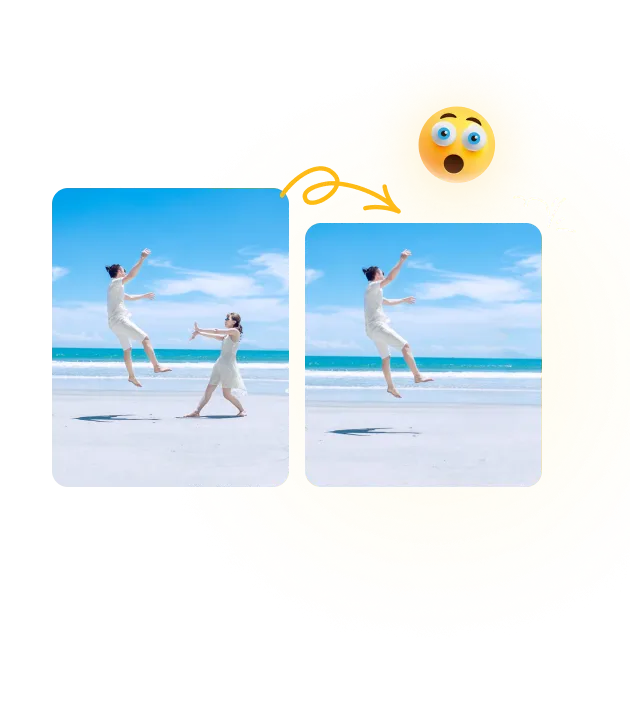
Unintentional visitors may appear in your stunning trip photograph. After the figures are taken out of the pictures, you may add more stickers or use filters from BeautyPlus' editing programs to give them a final polish.


Even after relationships have deteriorated, there are some locations and memories that may be cherished forever. Using the Object Remover tool, we can assist you in saving your pictures and preserving those memories. Cut undesirable individuals from photographs as if they didn't exist.